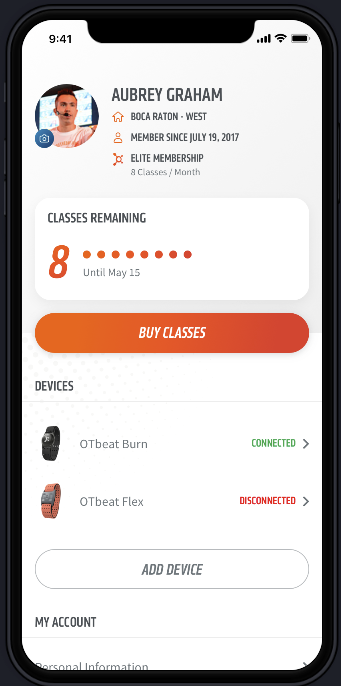
HOW DO I SEE THE NUMBER OF REMAINING CLASSES I HAVE?
FollowYou can view your remaining classes by tapping the Gear icon, from your Base screen, and viewing the "Classes Remaining" card at the top of the Settings screen. The number of classes remaining does not include future classes you have scheduled. If you see that you have 3 classes remaining on this screen and you have scheduled 4 classes before your next billing date, you will be charged the drop-in rate for the 4th class.